Selling Framer templates is one of the more practical ways to generate passive income as a designer. You build something once, and it keeps working after you close your laptop. But getting a template in front of buyers takes more than just finishing the design. You need to get it approved, priced right, and listed in the right places.
This article covers everything that happens after you finish building: how to submit a Framer template to the marketplace, what the review process actually looks like, how to price your work, and where else to distribute it once it's live.
Before you submit a Framer template
Framer reviews every template manually. They're looking for quality, originality, and usability. Not perfection, but proof that you've thought through the details.
What they actually check:
Design quality: is it visually polished and intentional?
Originality: did you build something new, or copy an existing template?
Responsiveness: does it work on mobile, tablet, and desktop?
Editability: can someone who didn't build it customise it without getting lost?
Performance: does it load fast with optimised images?
Functionality: do all links, forms, and interactions actually work?
That last one trips people up more than anything else. Test everything. Click every button. Fill out every form. View it on your phone. If something feels clunky to you, it will feel clunky to buyers.
Getting your template ready
Preparation matters more than the actual submission. Most rejections happen because the template wasn't ready, not because it was bad.
If you're using CMS, name your collections clearly and use placeholder content that makes sense. Nobody should open your template and have to guess how to add a blog post or update a project.
Clean up your layers panel too. Rename your frames. Delete unused components. Organise your layers so someone else can navigate them without a map. It's tedious but necessary. Someone who buys your template shouldn't need to reverse-engineer your decisions just to change a heading or swap a colour. Clean structure is part of the product.
A useful pre-submission checklist:
Replace all placeholder text with realistic content
Name every component descriptively, not "Frame 1" or "Frame 2"
Set up global colour and text styles
Test all breakpoints and fix any layout issues
Optimise images to reasonable file sizes
Check all links including navigation and CTAs
Add a brief instructions page or component so buyers know where to start
Common rejection reasons
Knowing why templates get rejected saves you time. From experience, the most common reasons are:
Broken links or forms that don't submit
Layouts that break or become unusable on mobile
Inconsistent styling or poor typography
Too similar to templates already in the marketplace
Unclear component structure that makes editing difficult
Slow loading times or unoptimised assets
None of these are deal-breakers. Fix them and resubmit. Framer gives specific feedback when they reject a template, so you'll know exactly what to address.
Pricing your template
Pricing is harder than it sounds, and most new template creators underprice. It feels safe to start low, but low prices send a signal. Research on digital product pricing consistently shows that higher prices increase perceived quality. A buyer looking at a $19 template and a $99 template doesn't just see a price difference. They assume the $99 one is better built, better supported, and worth more of their time to set up. That assumption is often enough to drive the sale.
Several template creators have found that raising prices actually increased their revenue, not just per sale but in total volume, because buyers at higher price points tend to be more serious and more likely to leave positive reviews and recommend the template to others.
That said, price needs to match what you're delivering. A rough guide:
Landing page: $19 to $49
Portfolio template: $49 to $99
Full business site with CMS: $79 to $149
Niche or specialised template: $99 to $299+
Don't be afraid to sit at the top of these ranges if the quality is there. A well-built template with good documentation and active support is worth more than a pretty design with no guidance.
Free templates and the affiliate opportunity
A free template might seem like leaving money on the table, but it's actually a legitimate strategy worth thinking about.
When someone upgrades to a paid Framer plan through your template's remix link, you earn a 50% commission on their first year's subscription. That means a free template with good distribution can generate meaningful affiliate income over time, especially if it reaches a lot of new Framer users who haven't subscribed yet.
I use both free and paid templates. The free ones build reach and trust. The paid ones generate direct revenue. They serve different purposes and they work well together. If you want to see what that looks like in practice, you can browse the Holygrid Framer templates to get a sense of how free and paid can sit alongside each other.
A few things worth knowing about the affiliate program:
You need to be part of the Framer Creator Program to access affiliate links
Your remix link is what tracks the subscription commission, not just any affiliate link
The 50% commission applies to subscription payments for the first 12 months
Paid ads using affiliate links are not allowed and will get you removed from the program
So if you're building a free template, make sure your remix link is set up correctly. That's where the income comes from on the free side.
Writing a good description
Your template description is effectively a sales page. Don't just list features. Explain who the template is for and what problem it solves.
"A portfolio template for designers" is boring. "Show your work and sell digital products without spending weeks building a site from scratch" tells someone why they should care.
The same goes for your preview images. Use real content, not placeholder boxes. Show the template on different devices. Highlight interactions or unique features. These images are often what converts a browser into a buyer.
The review process
After you submit a Framer template, it enters a review queue. This typically takes a few days, though it can be longer during busy periods. You'll get an email when the review is complete. If approved, your template goes live immediately. If rejected, you'll get specific feedback on what needs to change.
Marketing is not optional
This one needs to be said clearly: marketing is not optional. A great template that nobody sees doesn't sell. The Framer marketplace has hundreds of templates. Getting approved is the start, not the finish.
What actually moves the needle:
Share it on social media, especially X and LinkedIn where the design community is active
Write about the design decisions behind the template. Process content performs well and builds credibility
Tag relevant communities and engage with people building similar things
Submit your Framer template to the additional platforms listed below
Use your email list if you have one
The creators making serious money from templates are the ones treating it like a product launch, not just a marketplace listing.
Where to submit your Framer template
The Framer marketplace is the most obvious starting point, but it's not the only option. Listing your template in multiple places increases visibility and can drive meaningful extra sales. Here's where to submit a Framer template beyond the official marketplace.
Dark.design
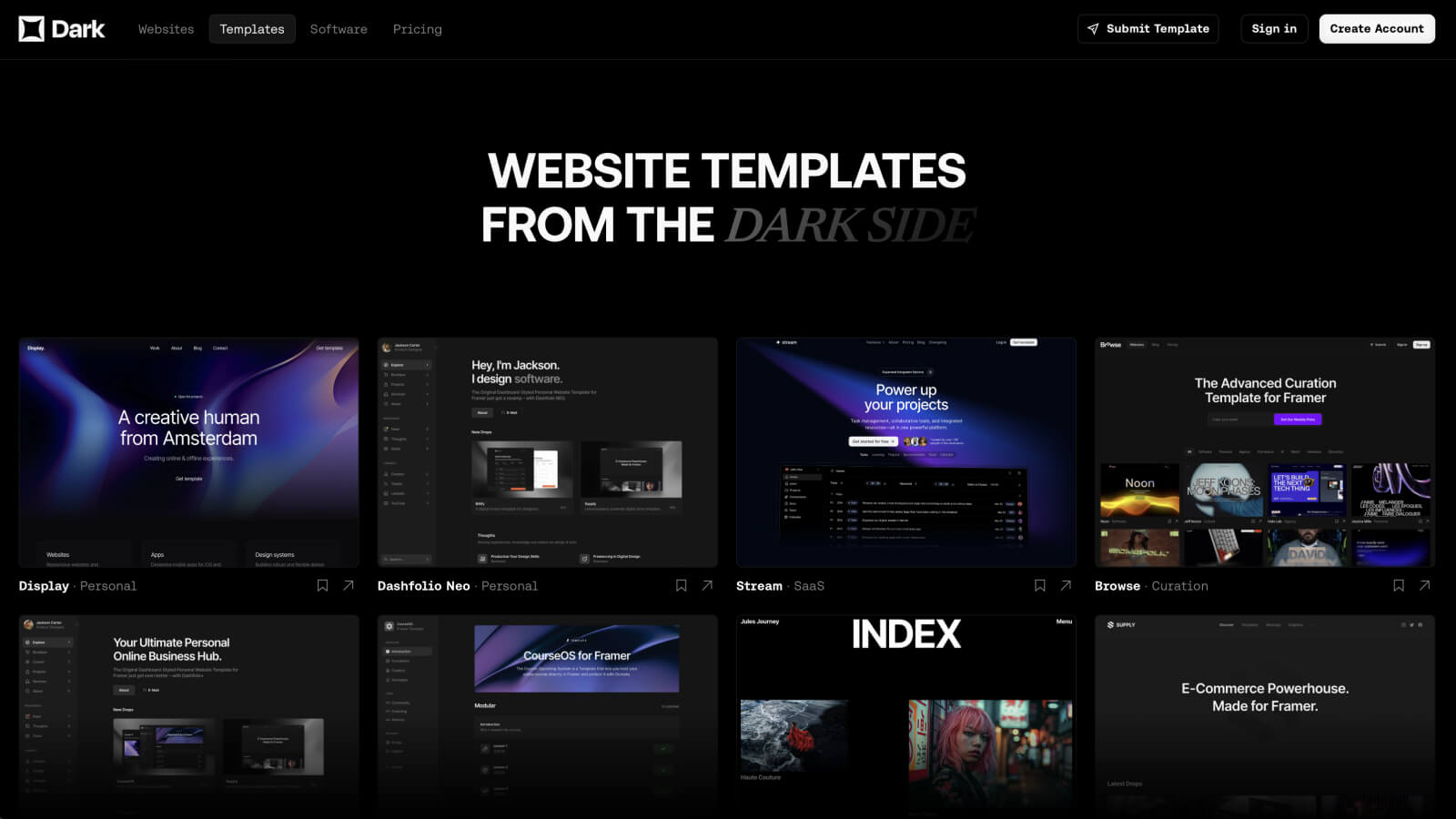
A directory of dark-themed websites with over 100k unique monthly visitors. They have a dedicated templates section. Good reach if your template has a dark colour scheme.
Pricing: Paid
Awwwards

The go-to marketplace for the design community. Large, established audience of designers and developers worldwide.
Pricing: Paid
Gallereee
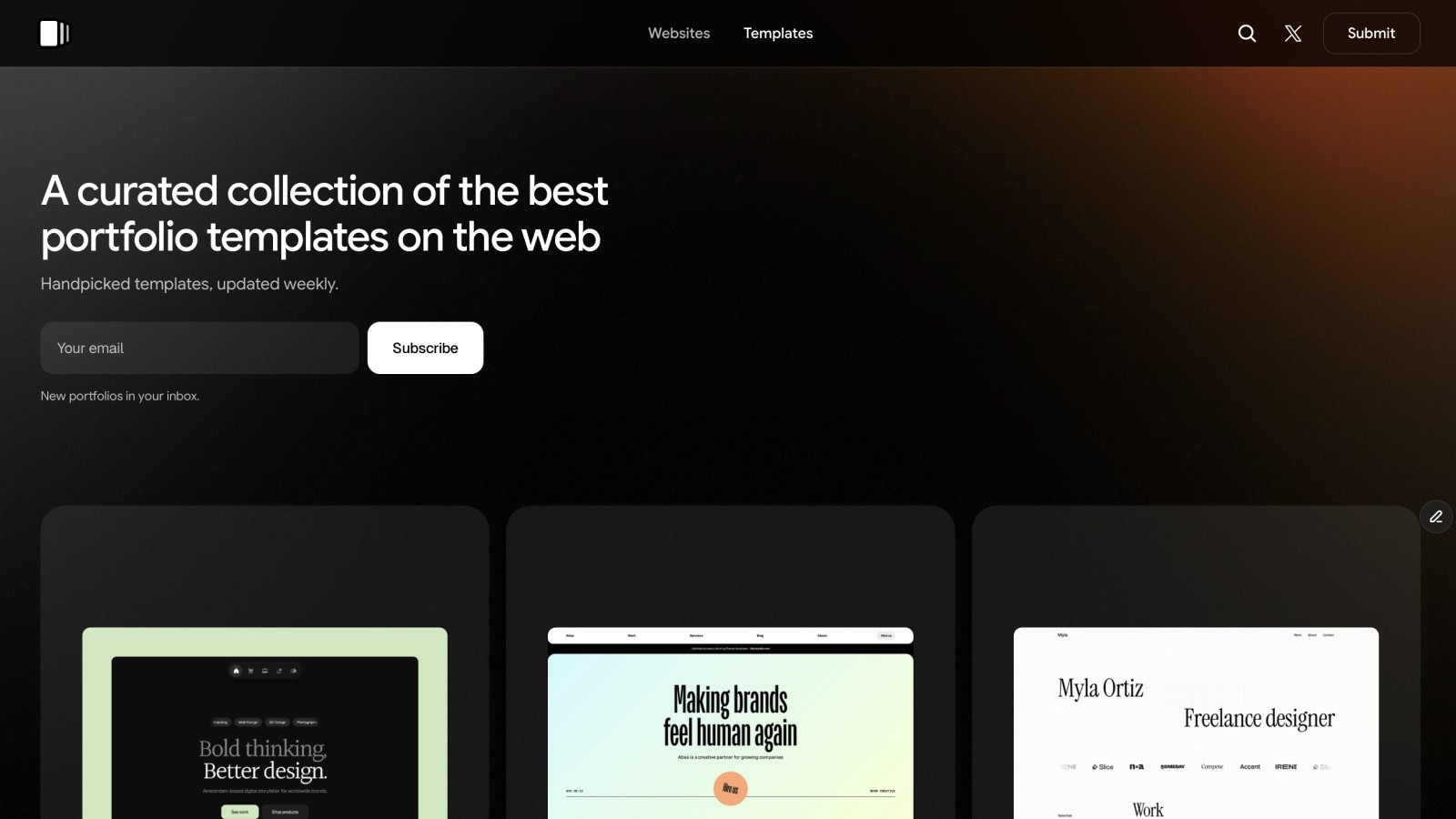
A curated gallery of portfolio websites with a dedicated templates section. If you have a portfolio template, this is worth submitting to.
Pricing: Free
Frameplate
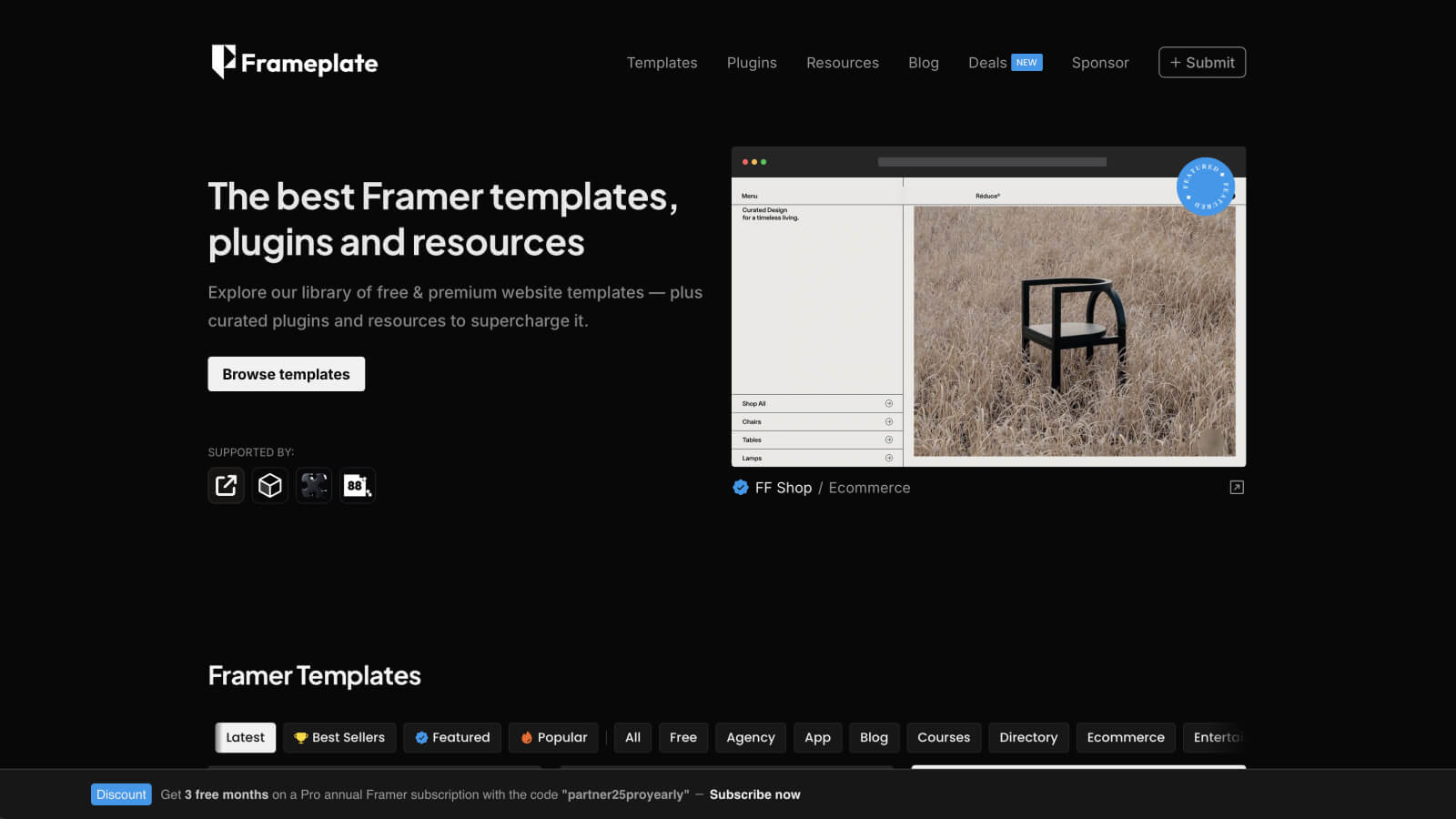
A directory specifically built around Framer templates, resources, and blog posts. Framer-specific audience, free to submit.
Pricing: Free
Minimal.Gallery

A curated source of design inspiration that has been running since 2013. Good fit for minimal or clean-aesthetic templates.
Pricing: Paid
Landbook

A clean grid of website templates, easy to browse and well-maintained.
Pricing: One-time payment
Your own website
Don't underestimate this one. By showcasing your template on your own site with proper SEO, you can attract organic traffic from people specifically searching for Framer templates. You control the presentation, the pricing, and the messaging. I sell templates directly through Holygrid alongside the marketplace, and it's worth the effort.
A few things that actually help after launch
Updates matter. Framer releases new features regularly. If you want your template to keep selling after the first month, you'll need to revisit it occasionally. Even small improvements or support for new Framer features can keep a template relevant.
Read your reviews and support questions. They'll tell you exactly what buyers find confusing or frustrating. Most issues come down to the same things: content that's hard to edit, CMS fields that aren't labelled clearly, or behaviour that doesn't match the preview. These are all fixable.
Is it worth it?
The honest answer is: it depends, and not always in the way you expect. It has real ups and downs. Some months are great, others are quiet for no obvious reason. Passive income sounds clean in theory, but in practice it means testing different price points, trying new thumbnails, rewriting descriptions, and figuring out what actually resonates with buyers. There's no formula. You just have to keep experimenting and pay attention to what works.
That said, it's almost always worth doing. Building a template teaches you to think like a product creator. You consider edge cases, document your work, and support users you've never met. Those habits transfer to everything else you build.
I started selling templates because I wanted to build something that could generate income outside of client work. It took time to get going, and the results have never been perfectly consistent. But enough months have been good enough to make it worth continuing.
If you're curious what a well-built Framer template looks like before you start building your own, you can browse the Holygrid Framer templates for reference.