I've built sites in both Framer and Webflow, and I'm tired of comparisons that treat them like the same tool with different logos. They're not. The Framer vs Webflow 2026 debate isn't about which one is "better." It's about which one fits how you actually work. If you're a designer who wants to move fast and iterate on live sites, or you're building complex, data-heavy experiences with advanced interactions, your choice matters more than you think. Let's get into the real differences.
What is Framer?
Originally a prototyping tool, Framer has evolved into a full web design and publishing platform. It's especially popular among designers who value ease of use and aesthetic precision. You can build interactive, animated, fully responsive websites without touching code. Most people use it for portfolios, landing pages, and small business sites.
What is Webflow?
Webflow is a comprehensive web design tool that combines a visual editor with serious CMS capabilities. You can build responsive websites, e-commerce stores, and content-heavy sites with custom animations and interactions, all without coding. Its strength lies in flexibility and design control, making it the go-to choice for users who need to manage more complexity.
The speed question nobody talks about
One of the biggest practical differences in the Framer vs Webflow debate is speed, and not just build speed.
Webflow's interface is structured like a professional design tool married to a code editor. You work with classes, nested structures, and precise control. It's powerful, but it has a learning curve. You'll spend time understanding how the box model works, how classes inherit, and why your flexbox isn't behaving.
Framer feels more like Figma with a publish button. You design, you add interactions, you ship. The interface is familiar if you've used modern design tools. Layers, frames, components. It's fast because it doesn't ask you to think like a developer unless you want to.
Here's what that means in practice:
First site built: Framer wins. You'll have something live in hours, not days.
Complex multi-page site with CMS: Webflow pulls ahead. More structure, more control.
Quick updates and iterations: Framer is faster, especially with their on-page editing features.
Speed isn't just about how fast you can build. It's about how fast you can change your mind.
💡 Ready to build your own site? Check out my Website templates to get started right away. Explore templates
CMS and content management
The Framer vs Webflow 2026 comparison gets interesting when you talk about content. This is the area where the two tools differ most in practice.
Webflow's CMS is a beast. You get 2,000 items on the CMS plan, up to 20,000 on Business, and custom limits on Enterprise. On the CMS plan you get 20 collections, on Business 40. You can build custom content types, create relationships between collections, and filter data in ways that feel closer to a database than a website builder.
Framer's CMS is simpler, and the limits are worth knowing upfront. The Basic plan only includes 1 CMS collection. If you need both a blog and a portfolio section, Basic won't cut it. You'd need to jump straight to Pro. With add-ons on the Scale plan you can get up to 40,000 CMS items and 40 collections, but that's the high end. For most designers building portfolios, case study pages, or simple blogs, the limits are fine. But if you're managing complex content structures or handing a site off to a client who'll be adding hundreds of items, plan ahead.
Framer's CMS has come a long way. It supports multi-reference fields, file uploads, and as of early 2026, a Server API that allows programmatic access to CMS data from any server, without needing to open Framer. You can sync collections with external sources like Notion or Airtable, trigger updates via webhooks, and integrate with AI agents. For most creative businesses, that covers everything you need.
Where Webflow still has the edge is in the depth and maturity of its CMS. More complex filtering, conditional visibility, and a more established ecosystem of integrations give it the advantage for larger content operations.
You need Webflow's CMS if:
You're managing hundreds or thousands of items
You need advanced filtering and conditional display
You're building for clients who need robust, large-scale content management
You're fine with Framer's CMS if:
You're showing work, not managing inventory
You need content relationships like linking posts to authors or projects to categories
You value setup speed over advanced features
You're the one managing content, not handing it off
Design flexibility
When comparing Framer vs Webflow on design, both tools are capable. But they approach it differently.
Both platforms give you access to the same fundamental CSS properties: padding, margin, position, z-index, overflow, CSS Grid, Flexbox, and custom code embedding. The difference isn't what's possible, it's how you get there.
Framer gives you design-tool control. You work with frames and layers like you would in Figma. Want something to overlap? Just drag it. Stacks and grids handle layout logic that adapts to content and container size. Breakpoints work just as you'd expect, letting you customise the design at every screen size with full control. It's intuitive and fast, without sacrificing precision.
Webflow gives you a more code-adjacent approach. Every CSS property is exposed through the interface, which gives developers and technically-minded designers a familiar mental model. You're thinking in classes, inheritance, and breakpoints the way a front-end developer would.
The real difference between Framer vs Webflow on design comes down to workflow, not capability. Framer feels like designing. Webflow feels like building. Both get you to the same place, just via different routes.
For designers coming from tools like Figma, Framer feels natural from day one. For designers with a web development background who want granular CSS control through the interface, Webflow might feel more familiar.
Animations and interactions
This is where opinions get strong, and it's one area of the Framer vs Webflow debate where neither tool has a clear win.
Webflow's interactions system is powerful and complex. You can trigger animations on scroll, on click, on hover, on page load. You can animate any property, create timelines, stagger animations, control easing. It's closer to After Effects than a website builder. But it's also where Webflow gets intimidating. The interactions panel is dense. You'll spend time learning it.
Framer's animations feel more like magic. You set up variants in your components, add transitions, and it handles the rest. Smart animate between states. Scroll animations with simple controls. Interactive prototypes that feel alive.
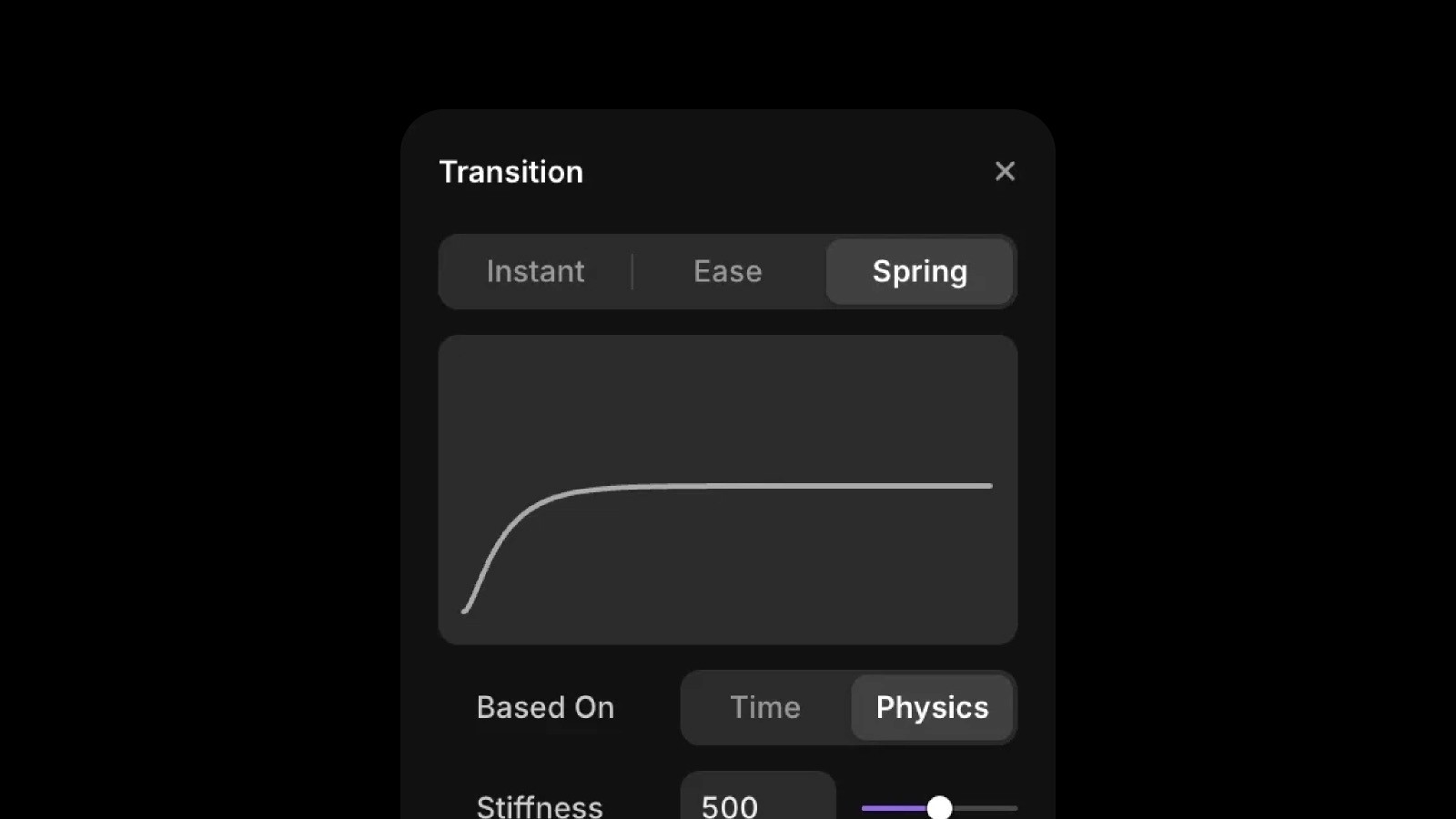
Webflow animations are better for complex scroll-based experiences, precise timing control, multi-step sequences, and landing pages with high production value. Framer animations are better for component-based interactions, prototype-like experiences, quick interactive elements, and sites that need to feel app-like.
Neither tool is limited. You can build impressive animations in both. But the workflow is completely different.
SEO and marketing tools
Both tools handle basic SEO fine. Meta titles, descriptions, OG images, clean URLs, sitemaps. You can do what you need to do.
Webflow gives you more control over technical SEO: custom redirects, 301s, granular robots.txt control, schema markup, code minification. It also integrates with tools like Data Goat for in-depth SEO tracking. If you need advanced SEO features, Webflow has them.
Framer covers the essentials: redirects, metadata, canonicals, sitemaps. It also includes GDPR-compliant analytics via GA4 for built-in tracking.
For designers building portfolios or small business sites, the SEO differences won't matter much. For agencies building client sites that need to rank for competitive keywords, Webflow's extra control is worth it.
Integrations and plugins
Framer supports integrations with tools like Google Search Console, Lottiefiles, and Google Sheets. The plugin ecosystem is still growing, but it's moving fast.
Webflow integrates with a large number of third-party applications, including Stripe, HubSpot, and various e-commerce systems. If you need a highly connected setup out of the box, Webflow has the edge here, for now.
Pricing and the real cost
When people compare Framer vs Webflow on price, the sticker cost is rarely the full story. Both platforms charge per site. Here's what you actually pay in 2026 on annual billing:
Plan type | Webflow | Framer |
|---|---|---|
Free plan | Limited, no custom domain | Full features, no custom domain |
Entry paid plan | Basic $14/month | Basic $10/month |
CMS plan | CMS $23/month | Pro $30/month |
Higher traffic | Business $39/month | Scale $100/month |
E-commerce | $29/month + transaction fees | Third-party integrations |
Monthly billing costs 25 to 33% more on both platforms. On Webflow, the CMS plan jumps from $23 to $29/month. On Framer, Basic goes from $10 to $15 and Pro from $30 to $45.
At entry level, Framer is cheaper. But the gap closes quickly once you need CMS features.
The bigger cost surprise on both platforms is editor seats. On Framer, if you're on Pro and add two client editors, you're looking at $30 for the plan plus $80 for the extra seats. Nearly four times the sticker price. Webflow has similar per-seat costs on top of its workspace plan. Always calculate the real total before committing.
There's also the hidden cost of learning. I spent weeks getting comfortable with Webflow. I was building real sites in Framer within days. That time has value.
Templates and starting points
Both platforms have template marketplaces. Quality varies wildly.
Webflow's templates are often overbuilt. They come loaded with interactions, complex class structures, and features you'll never use. You'll spend time stripping things out before you even add your content.
Framer templates tend to be cleaner, partly because the design-first community that builds them cares more about the experience than stuffing in every possible feature. If you need a solid starting point without the bloat, a good Framer template can save you serious time while staying easy to customize. For portfolio sites specifically, the Refined portfolio template is a good example of what a clean, well-built Framer template looks like. If you want to browse everything, you can find the full range at Holygrid Framer templates.
Code access and developer handoff
If you need to write custom code, both tools let you. But they handle it differently.
Webflow lets you add custom code through embeds, the head and footer sections, and on individual elements. You can write JavaScript, add libraries, integrate third-party tools. But you can't access the underlying HTML and CSS Webflow generates. You're adding to it, not modifying it.
Framer is built on React. If you know JavaScript and React, you can create custom components, add logic, and build features that wouldn't be possible in a pure visual builder. For developers, Framer is more open. For designers who don't code, both work fine.
If you're designing for development handoff, Webflow exports cleaner, more semantic HTML and CSS. Framer exports React components. Great if your developer works in React, less useful if they don't. Most designers aren't handing off code though. They're publishing directly. In that case, it doesn't matter.
E-commerce
Webflow has native e-commerce: products, variants, checkout, payment processing. It works, but it's expensive compared to dedicated platforms. The 2% transaction fee on the entry plan adds up fast.
Framer doesn't have native e-commerce. You integrate with Shopify, Gumroad, Lemon Squeezy, or whatever fits your needs. For selling digital products or templates, connecting Gumroad to a Framer site is simpler than setting up Webflow e-commerce. For full stores with inventory management, Webflow makes more sense.
That said, neither tool is ideal for serious online stores. If that's your primary goal, Shopify will serve you better.
Performance and hosting
Both platforms generate fast sites if you don't mess them up. Webflow can be incredibly fast, but it can also slow down if you stack too many interactions or large images. The tool doesn't stop you from making bad choices.
Framer sites are generally fast out of the box. The React-based architecture handles a lot of optimization automatically. Image optimization is built in.
In practice, both tools can hit great Lighthouse scores. Performance depends more on how you build than which tool you choose. Both include SSL, fast hosting, and handle traffic spikes. You publish, it's live, it's fast. No server management needed.
The learning curve reality
The learning curve is one of the most underrated factors in the Framer vs Webflow decision. It determines not just how long it takes to get started, but how quickly you can actually deliver work.
Week one with Webflow: confusion. Lots of questions about classes, the box model, why things aren't aligning. People feel like they're learning web development, not web design.
Week one with Framer: productivity. People start building real things. Questions are about specific features, not fundamental concepts.
Month three with Webflow: confidence. Once you understand the system, you can build anything. The learning pays off.
Month three with Framer: speed. People are shipping sites quickly, iterating fast, trying new ideas.
Framer gets you to real work faster. Webflow gives you more depth once you're there.
Client work and collaboration
Framer vs Webflow also plays out differently when clients are involved.
Webflow's editor mode lets clients update content without accessing the designer. You build the site, hand them editor access, they manage their blog or product pages. It works well for agencies, though it requires some training to hand off properly.
Framer's on-page editing is newer but impressive. Clients can click and edit text, swap images, and update content directly on the live site. No backend, no confusion. Just click and type. For non-technical clients, this is genuinely easier to explain.
The flip side: if your client needs complex content management, Webflow's structured approach is safer. They can't accidentally break your design as easily.
Framer or Webflow: making the actual decision
Both tools have a real place in a designer's workflow. The Framer vs Webflow question isn't about which is objectively better. It's about your project, your client, and how you like to work.
Choose Framer if:
You want to move fast and iterate quickly
You're coming from Figma or similar design tools
You're building portfolios, landing pages, or straightforward sites
You value an intuitive interface over deep control
You're working solo or with small teams
Choose Webflow if:
You need advanced CMS capabilities
You're building complex, multi-page sites with lots of content
You want pixel-perfect control over every element
You're comfortable with a steeper learning curve
You're building for clients who need robust content management
Neither choice is wrong. I use both, depending on the project. The worst decision is choosing based on what's trending or what other designers are using. Pick based on what you need to build and how you like to work.
What nobody mentions about switching costs
If you start with Framer and need to move to Webflow later, you're rebuilding from scratch. Same if you go the other way. There's no migration path. Once you invest time in building sites, creating a workflow, and learning the quirks, switching becomes expensive in time and energy.
Think about where you'll be in two years, not just where you are today. Building a sustainable practice means choosing tools that grow with you, or accepting that you might need both. If you do go with Framer and want to hit the ground running, a well-built starting point helps. You can browse the Holygrid Keynote template as an example of what a production-ready Framer site looks like out of the box.
The Framer vs Webflow debate isn't going away in 2026, and that's fine. Both tools keep getting better at what they do best. Just pick the one that matches how you think and what you're actually building.
Hesitating between Framer and WordPress? I've made an comparison for those platforms as well.