Clean B2B SaaS website template

Warm. Bold. Surprisingly fun.

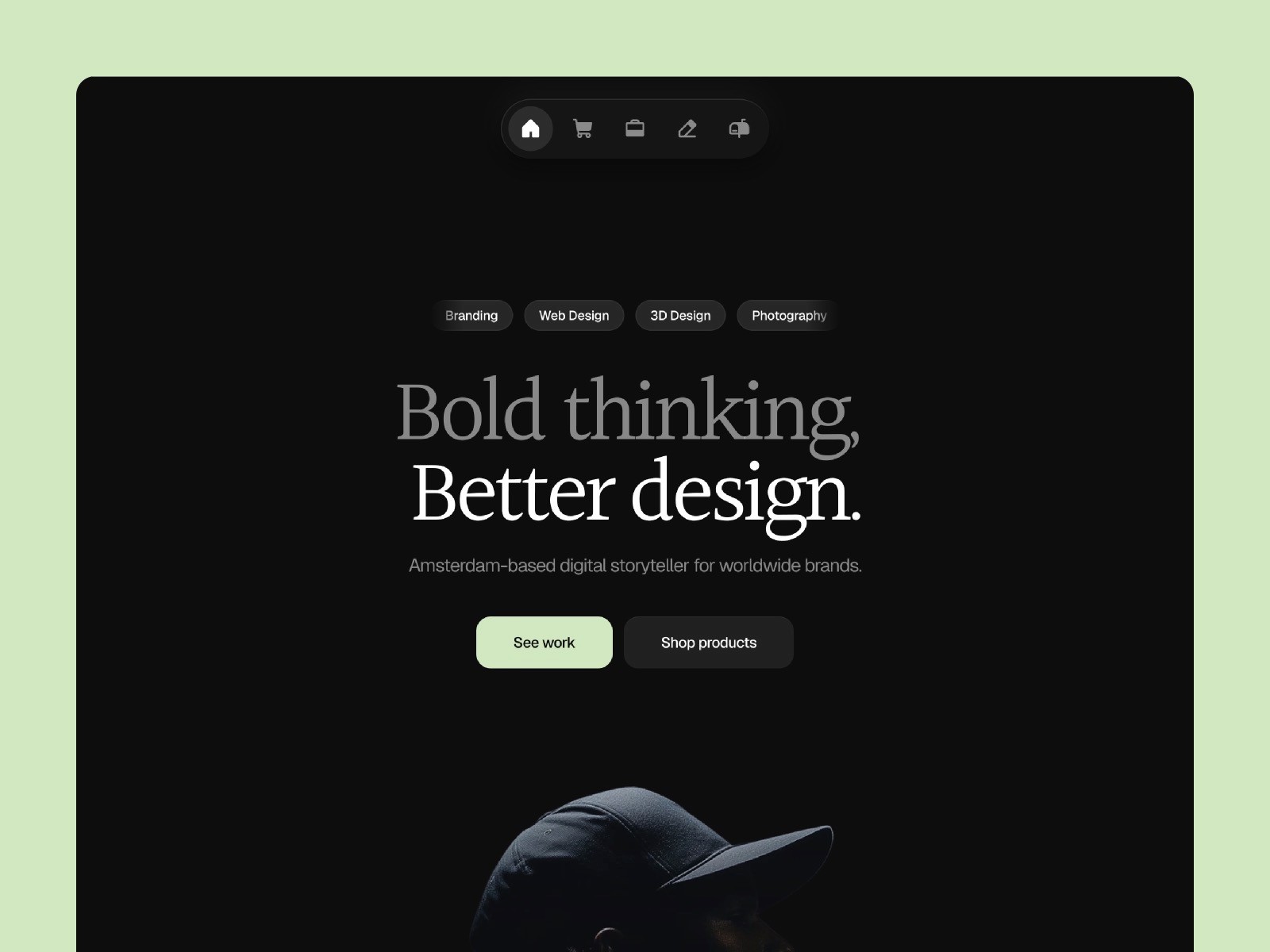
A B2B SaaS website template that doesn't look like every other SaaS product on the market. Bold accent colors, a warm background that feels human, and a design that makes people want to keep scrolling. Serious enough to convert.

  • 7 unique pages

  • 2 CMS items

  • Very easy to setup

  • A beautiful light themed design

  • Including a Coming Soon page

Setup in 3 easy steps

  1. Download template

  2. Edit content and customize brand color

  3. Publish website

That's it. No coding required.

Reponsive

This template is optimized for desktops, tablets and mobile phones.

Supa fast

The template loads faster then you can blink with your eyes.

Customizable

You can easily change font styles, color styles and other content.

SEO optimized

Semantic Markup is used to boost your website in all search engines.

No-code

Absolutely no code is required. Publish your website without touching a single line of code.

Lifetime updates

You always have access to the latest version of the template.

Technical specs

Technical specs

Platform

Type

B2B & SaaS

CMS collections

2

Theming

Light

SEO score

94/100

Responsive

100%

Receivio®

New

B2B & SaaS Template

Not your typical SaaS template

$99

Save thousands vs. hiring an agency

Instant access

Secure payment

Featured on

Featured on

Featured on

FAQ

Any questions?

See the info below or drop me a line via the support page.

How do Framer templates work?

After you purchase a template, you will get a "Remix" link. With this remix link you will have access to the template file in your Framer account.

01

Do I need to know how to code?

No you don't :) Framer is a no-code page builder. You can use the templates without a single line of code.

02

Can I try a template before buying it?

No, it's not possible to try a template out. But you can see the full demo.

03

Do I get free updates?

Yes, I continually improve my templates. You can just use the remix link from the email to get the latest version of the Framer template.

04

Can I change colors and fonts?

Yes, the template is based on color and text styles, so you can change colors and fonts in just a few clicks.

05

What is the process to install and start?

Once you purchase a template, you’ll receive a Remix link. When you click on this link it will open the template in the Framer editor in your account. You can modify text, images, colors, and more to make it your own.

06

Can I use a template for multiple projects?

With a 'Single website' license you can not. But with an 'Unlimited' license you can use the template for unlimited projects.

07

Can I request custom design changes?

Currently I don’t offer custom design changes for templates. However, I’m always open to discussing new projects or assisting you with any questions about your template.

08

FAQ

Any questions?

See the info below or drop me a line via the support page.

How do Framer templates work?

After you purchase a template, you will get a "Remix" link. With this remix link you will have access to the template file in your Framer account.

01

Do I need to know how to code?

No you don't :) Framer is a no-code page builder. You can use the templates without a single line of code.

02

Can I try a template before buying it?

No, it's not possible to try a template out. But you can see the full demo.

03

Do I get free updates?

Yes, I continually improve my templates. You can just use the remix link from the email to get the latest version of the Framer template.

04

Can I change colors and fonts?

Yes, the template is based on color and text styles, so you can change colors and fonts in just a few clicks.

05

What is the process to install and start?

Once you purchase a template, you’ll receive a Remix link. When you click on this link it will open the template in the Framer editor in your account. You can modify text, images, colors, and more to make it your own.

06

Can I use a template for multiple projects?

With a 'Single website' license you can not. But with an 'Unlimited' license you can use the template for unlimited projects.

07

Can I request custom design changes?

Currently I don’t offer custom design changes for templates. However, I’m always open to discussing new projects or assisting you with any questions about your template.

08

FAQ

Any questions?

See the info below or drop me a line via the support page.

How do Framer templates work?

After you purchase a template, you will get a "Remix" link. With this remix link you will have access to the template file in your Framer account.

01

Do I need to know how to code?

No you don't :) Framer is a no-code page builder. You can use the templates without a single line of code.

02

Can I try a template before buying it?

No, it's not possible to try a template out. But you can see the full demo.

03

Do I get free updates?

Yes, I continually improve my templates. You can just use the remix link from the email to get the latest version of the Framer template.

04

Can I change colors and fonts?

Yes, the template is based on color and text styles, so you can change colors and fonts in just a few clicks.

05

What is the process to install and start?

Once you purchase a template, you’ll receive a Remix link. When you click on this link it will open the template in the Framer editor in your account. You can modify text, images, colors, and more to make it your own.

06

Can I use a template for multiple projects?

With a 'Single website' license you can not. But with an 'Unlimited' license you can use the template for unlimited projects.

07

Can I request custom design changes?

Currently I don’t offer custom design changes for templates. However, I’m always open to discussing new projects or assisting you with any questions about your template.

08

Join the club

Real stories, design tips and inspiration.

Straight to your inbox. Also, you get a 20% discount on your first order.

Join 1,600+ designers and builders. Opt out anytime.