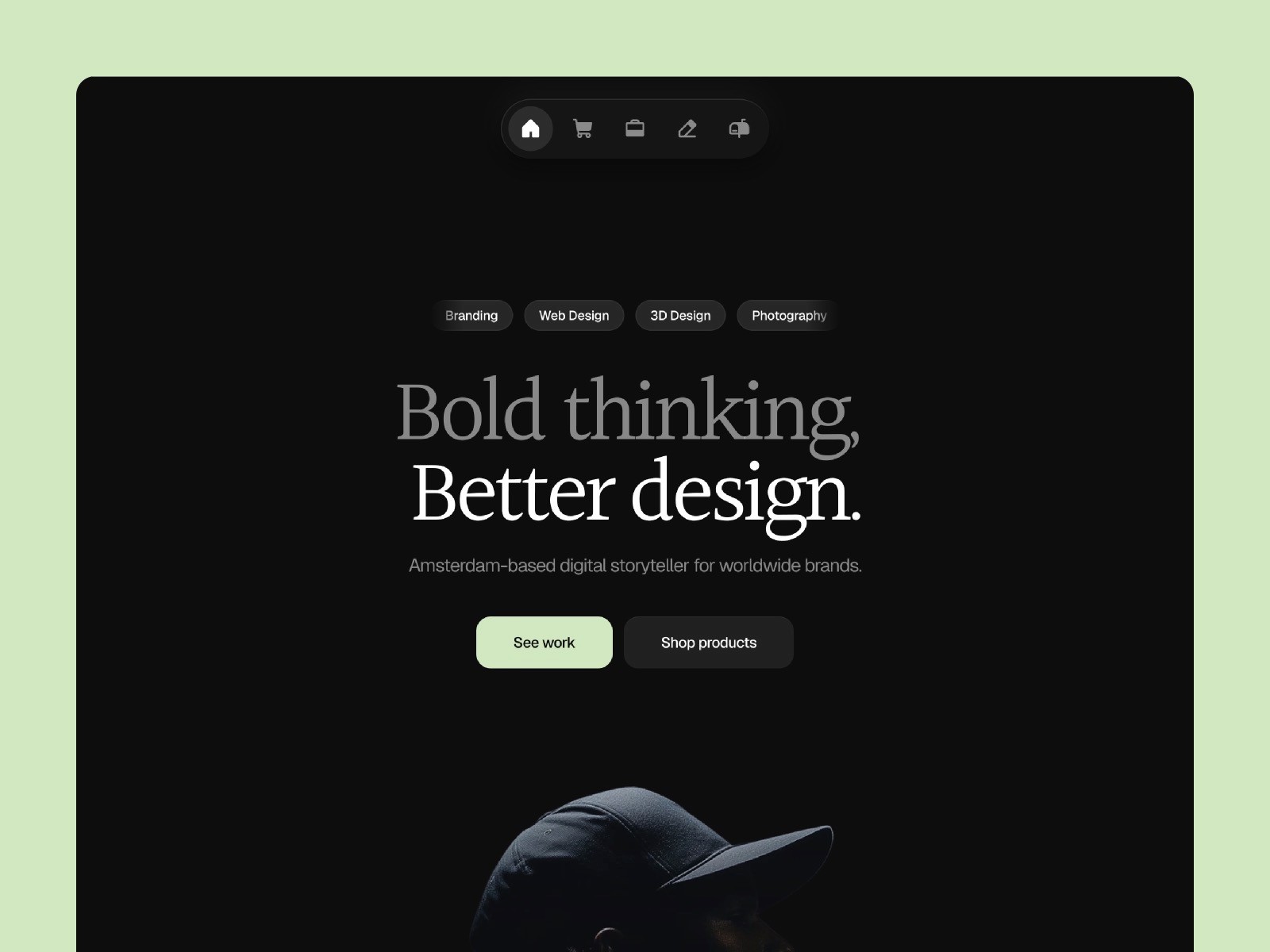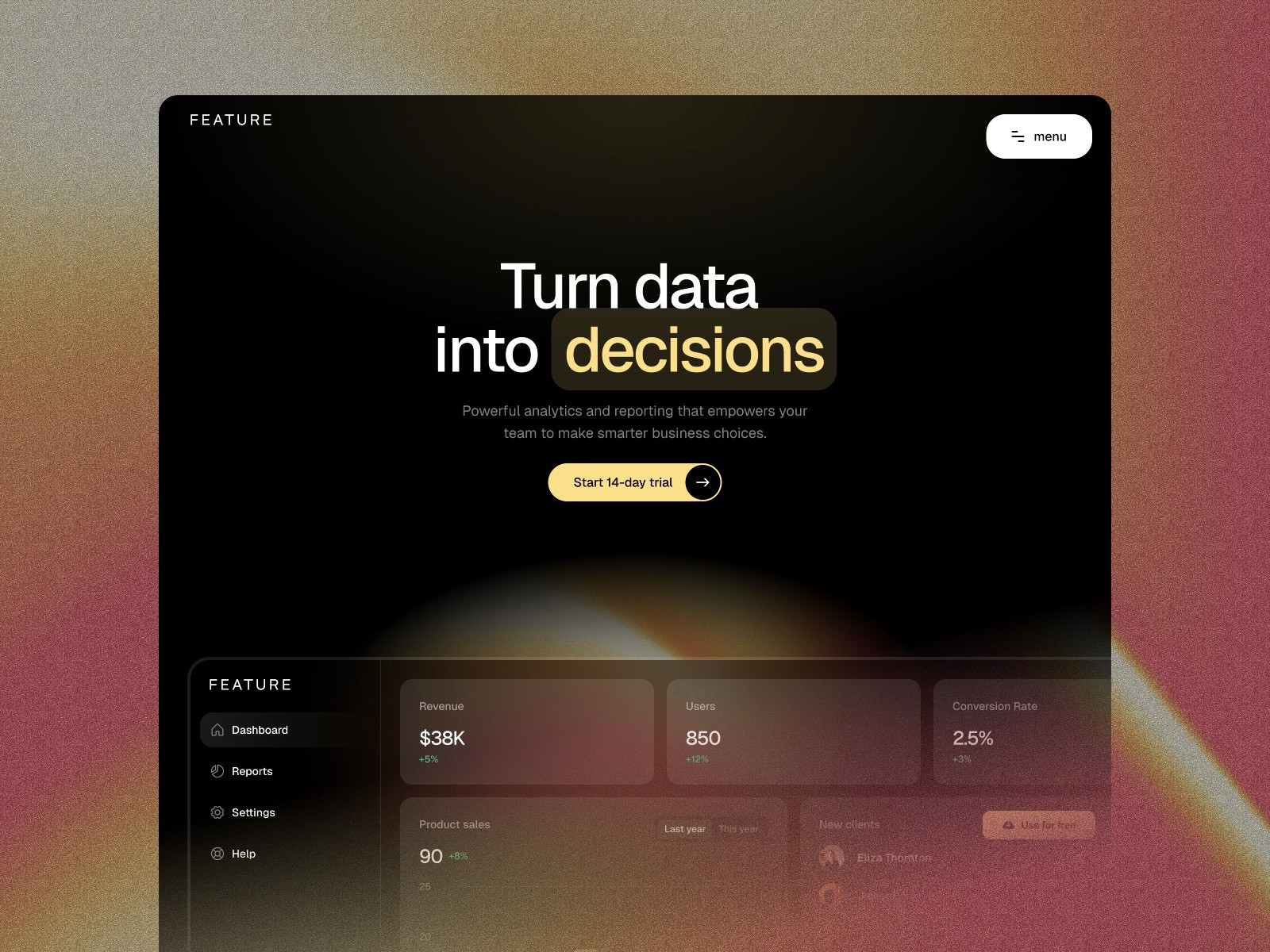
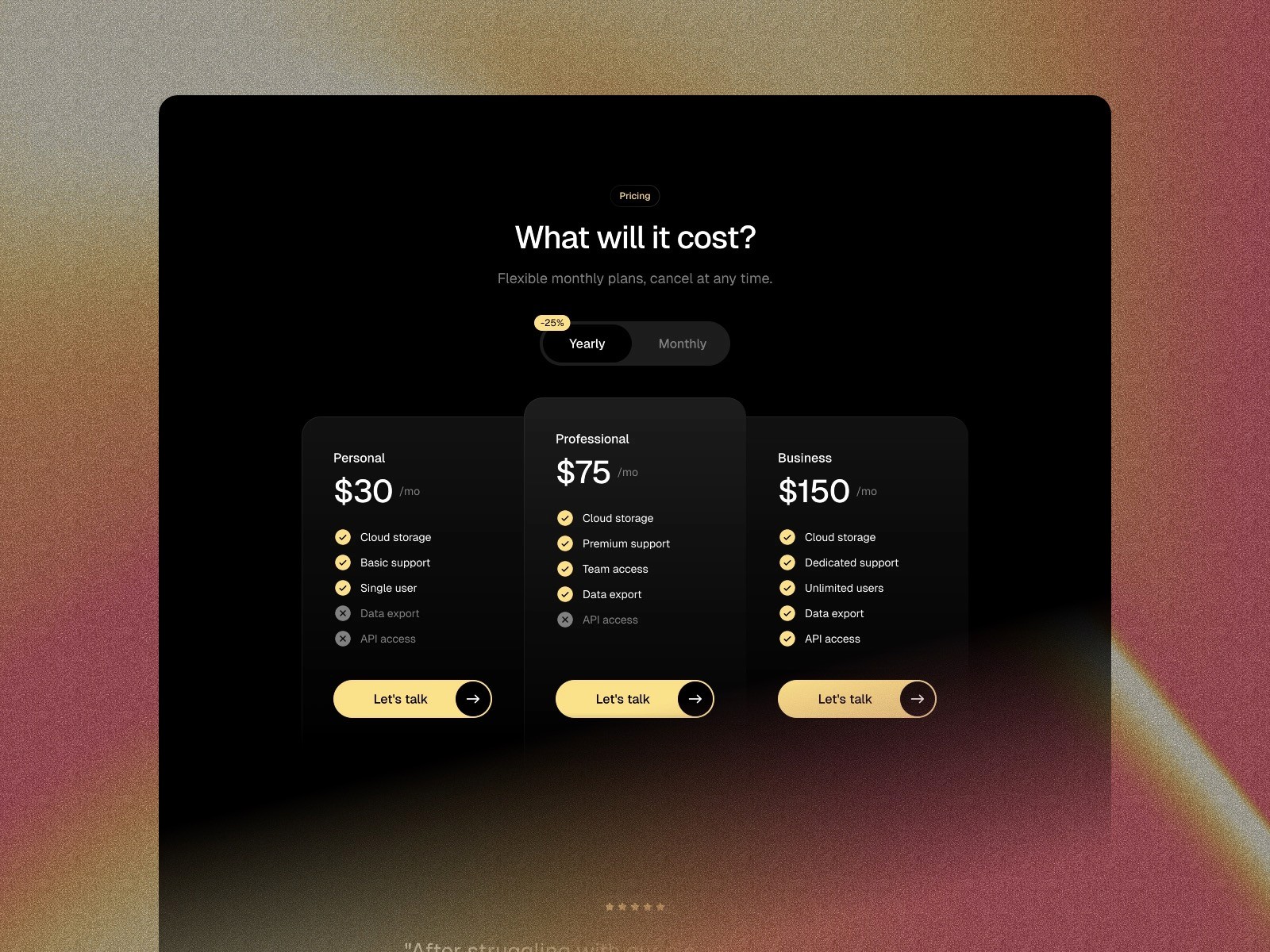
Refined Portfolio Website Template Homepage

A minimalistic SaaS, Tech, Startup, AI template for Framer

Feature is a modern SaaS template for Framer, designed to help startups and software companies present their product with clarity and style. With a clean layout and an easy-to-use design, it makes building a great website simple. Whether you’re launching a new app or refining your brand, Feature gives you everything you need to make a strong first impression.

  • Very easy to setup.

  • A beautiful dark themed design.

  • Easily add new content and blog posts.

  • Smooth animations.

Setup in 3 easy steps

  1. Download template

  2. Edit content and customize brand color

  3. Publish website

That's it. No coding required.

Reponsive

This template is optimized for desktops, tablets and mobile phones.

Supa fast

The template loads faster then you can blink with your eyes.

Customizable

You can easily change font styles, color styles and other content.

SEO optimized

Semantic Markup is used to boost your website in all search engines.

No-code

Absolutely no code is required. Publish your website without touching a single line of code.

Lifetime updates

You always have access to the latest version of the template.

Technical specs

Technical specs

Platform

Type

SaaS & Tech

CMS collections

3

Theming

Dark

SEO score

100/100

Responsive

100%

Feature

SaaS & AI Template

Designed to help Startup, AI, SaaS and software companies showcase their product in style.

Free

Live in a few hours

Instant access

Secure payment

Featured on

Featured on

Featured on

FAQ

Any questions?

See the info below or drop me a line via the support page.

How do Framer templates work?

After you purchase a template, you will get a "Remix" link. With this remix link you will have access to the template file in your Framer account.

01

Do I need to know how to code?

No you don't :) Framer is a no-code page builder. You can use the templates without a single line of code.

02

Can I try a template before buying it?

No, it's not possible to try a template out. But you can see the full demo.

03

Do I get free updates?

Yes, I continually improve my templates. You can just use the remix link from the email to get the latest version of the Framer template.

04

Can I change colors and fonts?

Yes, the template is based on color and text styles, so you can change colors and fonts in just a few clicks.

05

What is the process to install and start?

Once you purchase a template, you’ll receive a Remix link. When you click on this link it will open the template in the Framer editor in your account. You can modify text, images, colors, and more to make it your own.

06

Can I use a template for multiple projects?

With a 'Single website' license you can not. But with an 'Unlimited' license you can use the template for unlimited projects.

07

Can I request custom design changes?

Currently I don’t offer custom design changes for templates. However, I’m always open to discussing new projects or assisting you with any questions about your template.

08

FAQ

Any questions?

See the info below or drop me a line via the support page.

How do Framer templates work?

After you purchase a template, you will get a "Remix" link. With this remix link you will have access to the template file in your Framer account.

01

Do I need to know how to code?

No you don't :) Framer is a no-code page builder. You can use the templates without a single line of code.

02

Can I try a template before buying it?

No, it's not possible to try a template out. But you can see the full demo.

03

Do I get free updates?

Yes, I continually improve my templates. You can just use the remix link from the email to get the latest version of the Framer template.

04

Can I change colors and fonts?

Yes, the template is based on color and text styles, so you can change colors and fonts in just a few clicks.

05

What is the process to install and start?

Once you purchase a template, you’ll receive a Remix link. When you click on this link it will open the template in the Framer editor in your account. You can modify text, images, colors, and more to make it your own.

06

Can I use a template for multiple projects?

With a 'Single website' license you can not. But with an 'Unlimited' license you can use the template for unlimited projects.

07

Can I request custom design changes?

Currently I don’t offer custom design changes for templates. However, I’m always open to discussing new projects or assisting you with any questions about your template.

08

FAQ

Any questions?

See the info below or drop me a line via the support page.

How do Framer templates work?

After you purchase a template, you will get a "Remix" link. With this remix link you will have access to the template file in your Framer account.

01

Do I need to know how to code?

No you don't :) Framer is a no-code page builder. You can use the templates without a single line of code.

02

Can I try a template before buying it?

No, it's not possible to try a template out. But you can see the full demo.

03

Do I get free updates?

Yes, I continually improve my templates. You can just use the remix link from the email to get the latest version of the Framer template.

04

Can I change colors and fonts?

Yes, the template is based on color and text styles, so you can change colors and fonts in just a few clicks.

05

What is the process to install and start?

Once you purchase a template, you’ll receive a Remix link. When you click on this link it will open the template in the Framer editor in your account. You can modify text, images, colors, and more to make it your own.

06

Can I use a template for multiple projects?

With a 'Single website' license you can not. But with an 'Unlimited' license you can use the template for unlimited projects.

07

Can I request custom design changes?

Currently I don’t offer custom design changes for templates. However, I’m always open to discussing new projects or assisting you with any questions about your template.

08